Guide
How to use Lunar on Xbox, PlayStation, and Switch
Consoles cannot install mods or clients. Lunar gets around that by running on a device you already own and letting the console join it like any other server. Setup takes about five minutes and you only do it once.
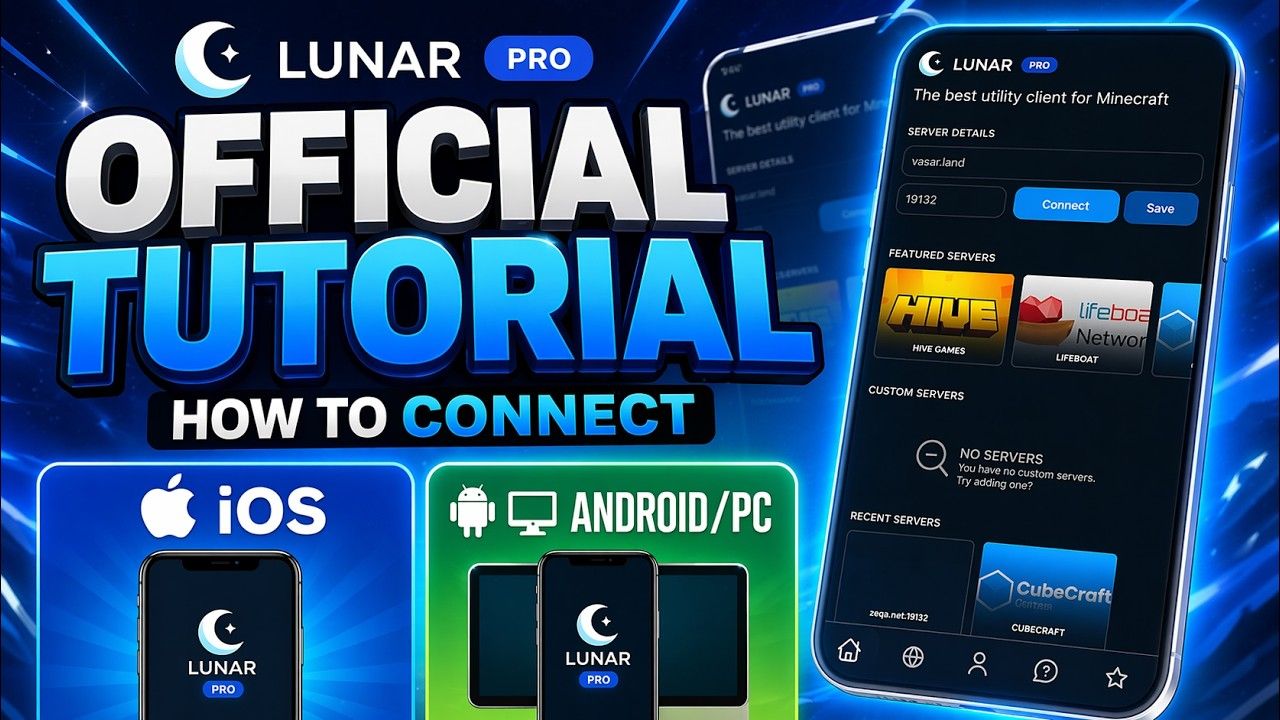
Watch the setup
The official tutorial covers every platform in a few minutes. The written steps below follow the same order.
What you need
- •A phone (Android or iOS) or a PC to run Lunar. The phone can be the same one you play on.
- •Your console with Minecraft Bedrock Edition, on the same Xbox account you use in Lunar.
- •For the LAN method only: the phone or PC and the console on the same Wi-Fi network.
- 01
Install Lunar on a phone or PC
Get Lunar from Google Play or the App Store, or use the PC client. This device runs the proxy. Nothing is installed on the console.

- 02
Sign in and pick a server
Sign in with your Xbox account inside Lunar, then choose a featured server, type an address, or open a Realm or friend’s world. Tap Connect. Lunar is now sitting between your devices and that server.
- 03
Join from the console
On your Xbox, PlayStation, or Switch, open Minecraft and join Lunar using one of the three methods below. Everything you enabled in Lunar applies to that session.
The three ways your console can join
Lunar shows all three in the app after you connect. Use whichever works on your network; the Friends tab method works from anywhere.
Friends tab
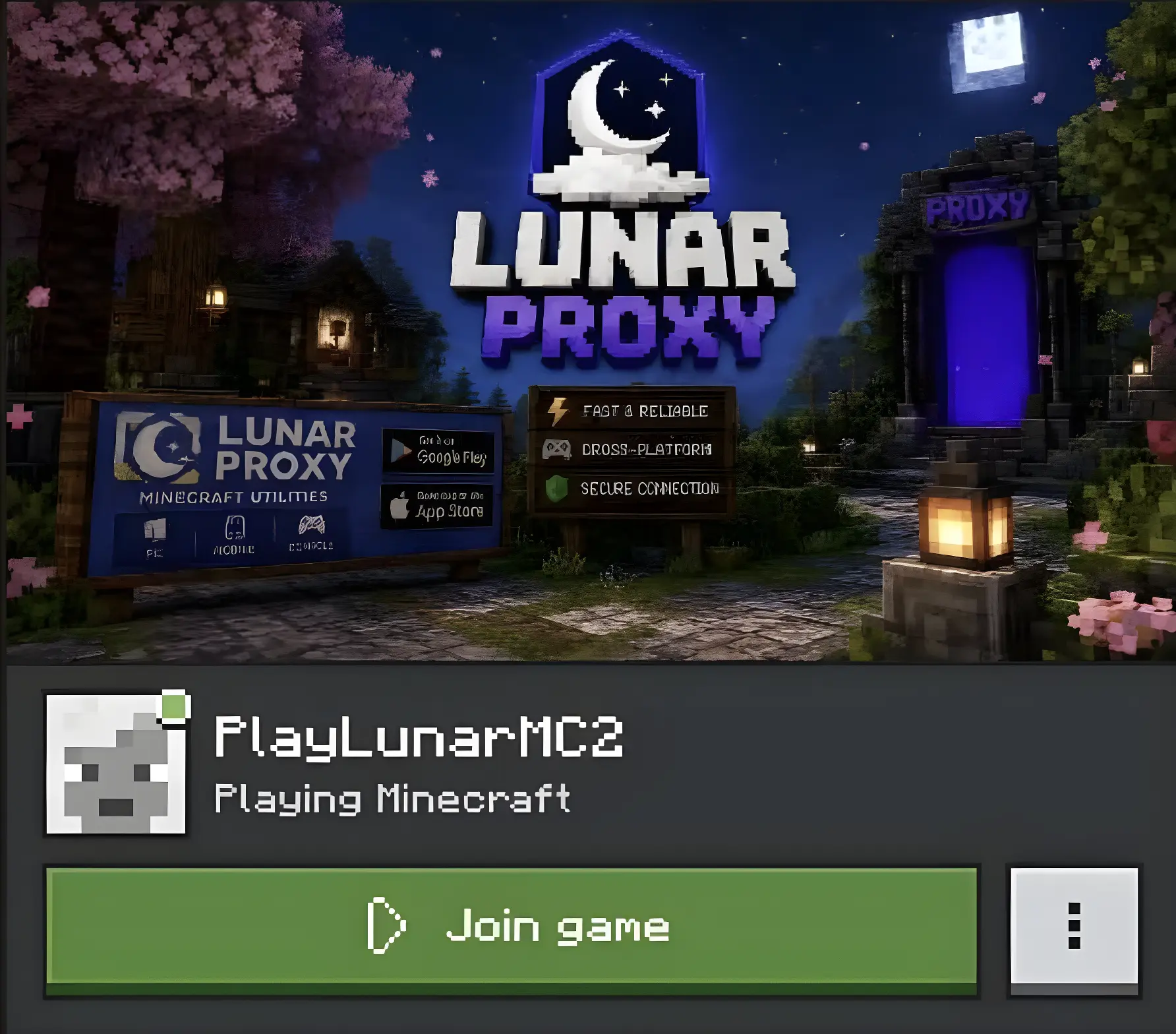
On your console, add PlayLunarMC2 as an Xbox friend. Once Lunar is connected to a server, open Minecraft, go to the Friends tab, and join PlayLunarMC2’s game. This works on any network, including cellular hotspots.
LAN list
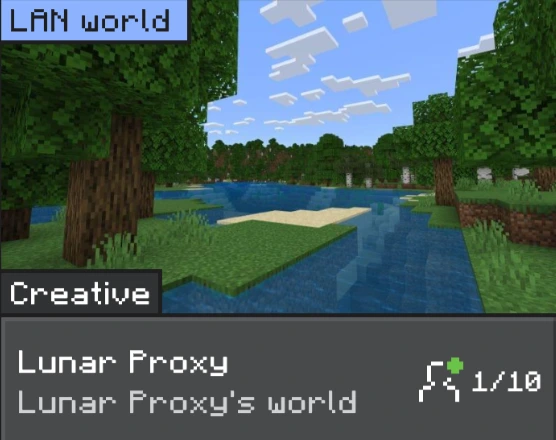
When the device running Lunar is on the same Wi-Fi as the console, Lunar appears under LAN Games on the Friends tab in Minecraft. Tap it to join. If it does not show up, use one of the other two methods; some routers hide LAN broadcasts.
Direct connect
Lunar shows an address after you connect. Add it as a server in Minecraft on your console (Servers tab, Add Server), then join it. On Switch and PlayStation, where the Servers tab may be hidden, the Friends tab method is the one to use.
Things to know
- •Every module you switch on in Lunar applies to the console session, and you can change them mid-game from the in-game ClickGUI.
- •Custom resource packs and custom skins you import in the app also apply on console through the proxy.
- •Lunar is intended for your own worlds, friends’ worlds, Realms, and servers where you have permission. Check a server’s rules first.
Get Lunar on your phone
Free on Android and iOS. Your console joins through it.