FreeCam
Scout ahead while your body stays put.
Detaches your camera so you can look around without moving.
Free on mobile. Included in every PC plan.


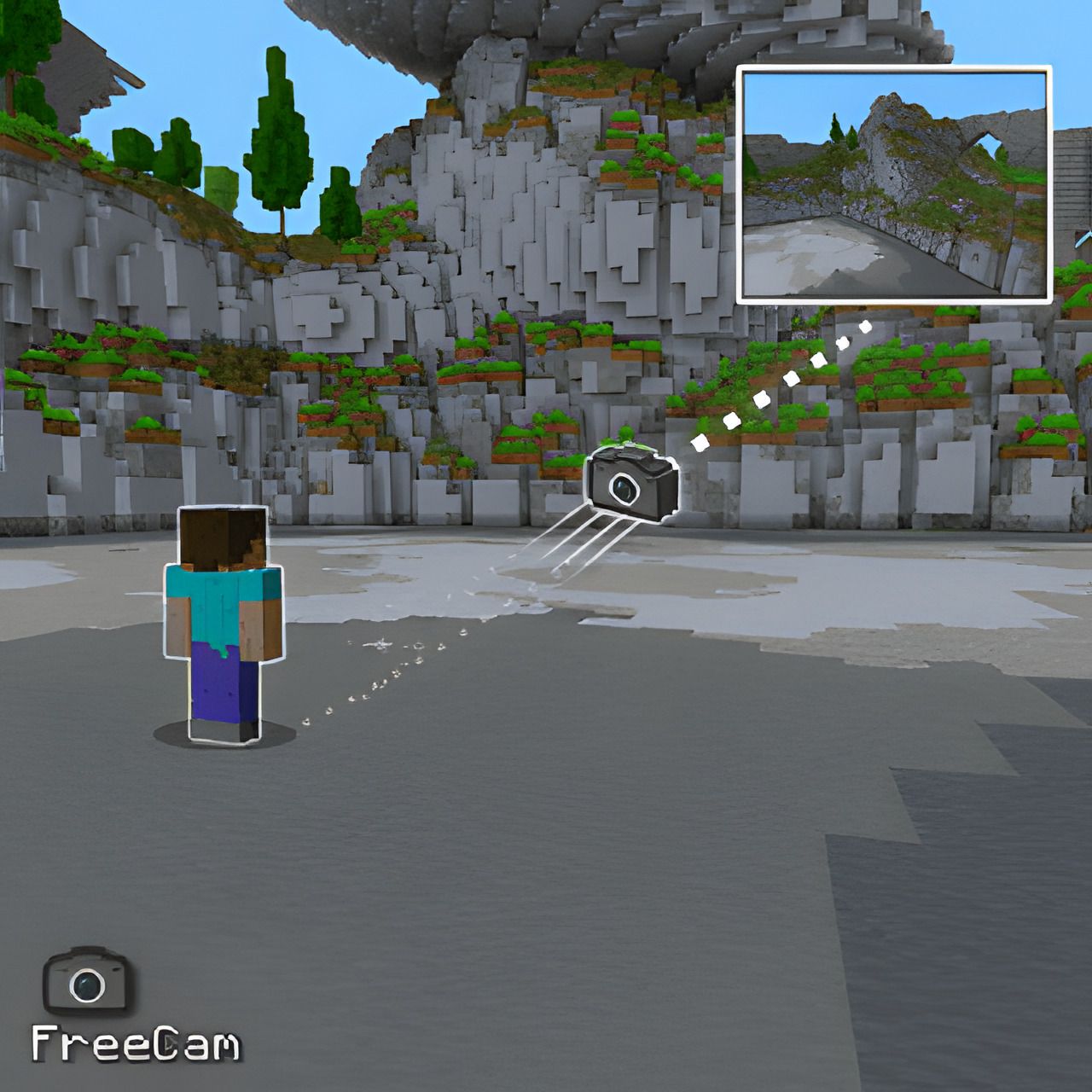
What does FreeCam do?
FreeCam is a visual module in Lunar Proxy for Minecraft Bedrock Edition. Detaches your camera so you can look around without moving. Because Lunar runs as a proxy, FreeCam works on PC, Android, and iOS, and on Xbox, PlayStation, and Switch when the console connects through it. You turn it on from the in-game ClickGUI or with a chat command, and its settings are saved in your configs.
- Fly the camera in spectator mode; your character stays behind
- Your character stays exactly where you left it
- Works well with BlockTracers for remote loot scouting
How do I turn on FreeCam?
- 01 Install Lunar on your phone or PC. Free on Google Play and the App Store; PC needs a subscription.
- 02 Connect to a server, Realm, or friend’s world from inside Lunar. Consoles then join through the Friends tab, the LAN list, or direct connect.
- 03 Open the in-game ClickGUI and switch on FreeCam, or type the FreeCam command in chat. Adjust its settings right in the panel.
What can you change in FreeCam?
FreeCam has 3 settings. Each one is adjustable in the ClickGUI, and the defaults below are what a fresh install uses.
| Setting | Type | Default | Range or options |
|---|---|---|---|
Horizontal Speed | number | 5 | 0.1 to 5 in steps of 0.1 |
Vertical Speed | number | 2 | 0.1 to 2 in steps of 0.1 |
Show Names | toggle | On | On or off |
Which devices does FreeCam work on?
Lunar is a proxy, so FreeCam behaves the same on every device that connects through it.
- PC
- Android
- iOS
- Xbox
- PlayStation
- Switch
Related Visual modules
All Visual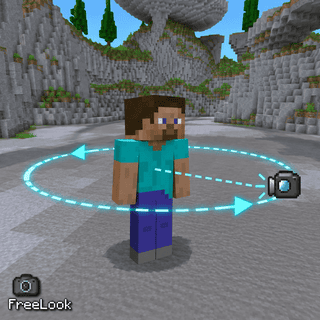
FreeLook
Look around freely without turning your character.
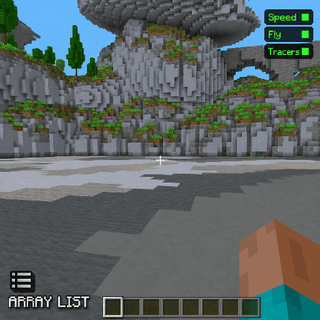
ArrayList
Shows your enabled modules on screen.
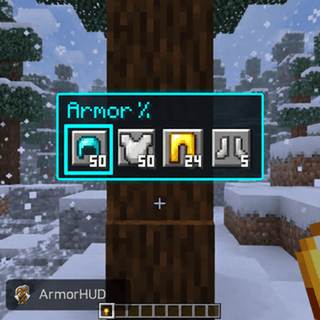
ArmorHUD
Shows your equipped armor and its durability on screen.
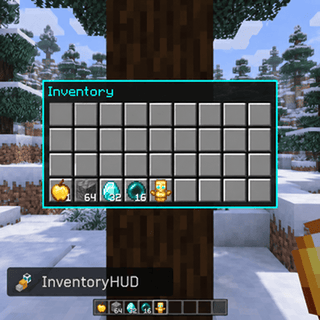
InventoryHUD
Shows your inventory and stack counts on screen.
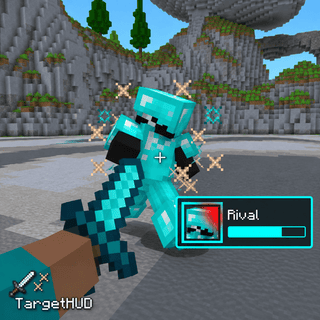
TargetHUD
Shows your current combat target, health, and distance on screen.
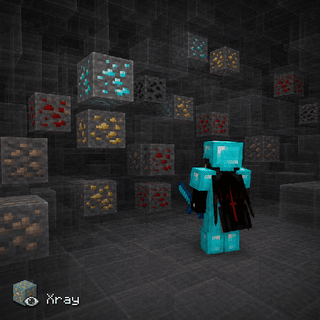
Xray
Shows ores and other valuable blocks through terrain.