Haste
Gives you the Haste effect so you break blocks faster.
Free on mobile. Included in every PC plan.


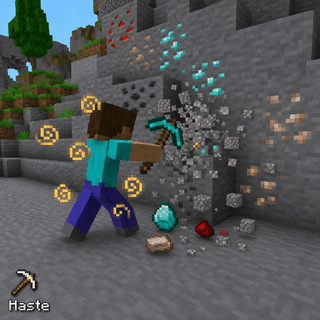
What does Haste do?
Haste is a player module in Lunar Proxy for Minecraft Bedrock Edition. Gives you the Haste effect so you break blocks faster. Because Lunar runs as a proxy, Haste works on PC, Android, and iOS, and on Xbox, PlayStation, and Switch when the console connects through it. You turn it on from the in-game ClickGUI or with a chat command, and its settings are saved in your configs.
How do I turn on Haste?
- 01 Install Lunar on your phone or PC. Free on Google Play and the App Store; PC needs a subscription.
- 02 Connect to a server, Realm, or friend’s world from inside Lunar. Consoles then join through the Friends tab, the LAN list, or direct connect.
- 03 Open the in-game ClickGUI and switch on Haste, or type the Haste command in chat. Adjust its settings right in the panel.
What can you change in Haste?
Haste has 1 setting. Each one is adjustable in the ClickGUI, and the defaults below are what a fresh install uses.
| Setting | Type | Default | Range or options |
|---|---|---|---|
Level | number | 1 | 1 to 10 |
Which devices does Haste work on?
Lunar is a proxy, so Haste behaves the same on every device that connects through it.
- PC
- Android
- iOS
- Xbox
- PlayStation
- Switch
Related Player modules
All Player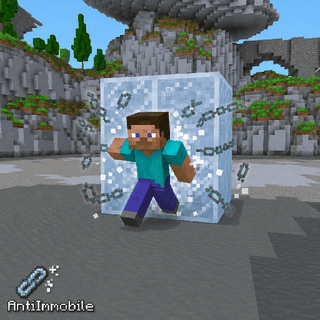
AntiImmobile
Prevents server-side movement locks
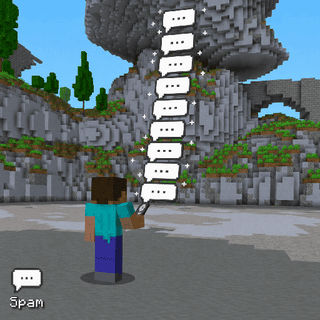
Spam
Send a chat message or command repeatedly at a configured rate.
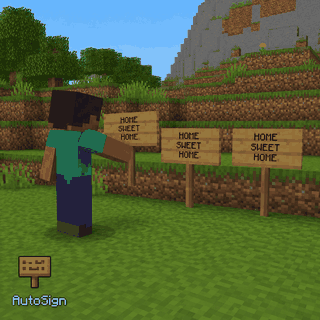
AutoSign
Write your saved text on signs you place.
ModAlerts
Alert when known moderators appear on Lifeboat or DonutSMP.
AutoSell
Sell the item you are holding and collect more of it from nearby storage.
SlowMine
Makes your mining look like slow motion while blocks still break at normal speed.