SelfTrap
Builds and repairs an obsidian shell around you.
Included with Lunar Premium on mobile and every PC plan.


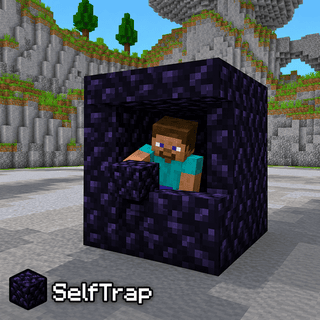
What does SelfTrap do?
SelfTrap is a combat module in Lunar Proxy for Minecraft Bedrock Edition. Builds and repairs an obsidian shell around you. Because Lunar runs as a proxy, SelfTrap works on PC, Android, and iOS, and on Xbox, PlayStation, and Switch when the console connects through it. You turn it on from the in-game ClickGUI or with a chat command, and its settings are saved in your configs.
How do I turn on SelfTrap?
- 01 Install Lunar on your phone or PC. Free on Google Play and the App Store; PC needs a subscription.
- 02 Connect to a server, Realm, or friend’s world from inside Lunar. Consoles then join through the Friends tab, the LAN list, or direct connect.
- 03 Open the in-game ClickGUI and switch on SelfTrap, or type the SelfTrap command in chat. Adjust its settings right in the panel.
What can you change in SelfTrap?
SelfTrap has 5 settings. Each one is adjustable in the ClickGUI, and the defaults below are what a fresh install uses.
| Setting | Type | Default | Range or options |
|---|---|---|---|
Walls and Roof | toggle | On | On or off |
Range | number | 4.5 | 1 to 6 in steps of 0.5 |
Face Target | choice | Server-Side | Off, Server-Side, Client-Side |
Check Line Of Sight | toggle | Off | On or off |
Take Items From | choice | Hotbar | Hotbar, Inventory |
Which devices does SelfTrap work on?
Lunar is a proxy, so SelfTrap behaves the same on every device that connects through it.
- PC
- Android
- iOS
- Xbox
- PlayStation
- Switch
Related Combat modules
All Combat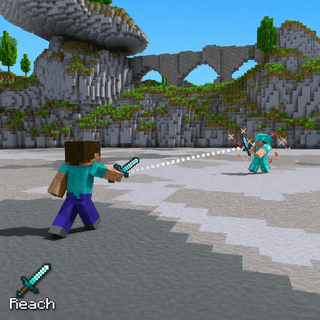
Reach
Extends how far away you can hit targets.
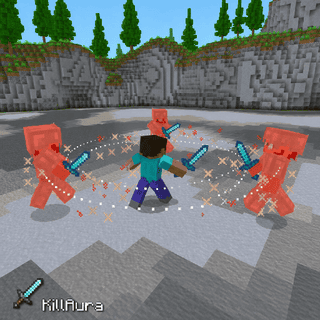
KillAura
Automatically attacks enemies around you.
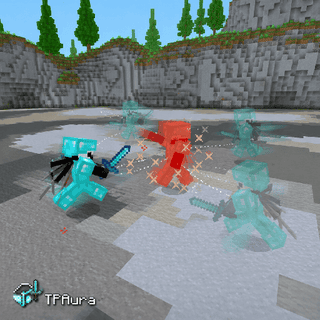
TPAura
Teleports to nearby targets and attacks them.
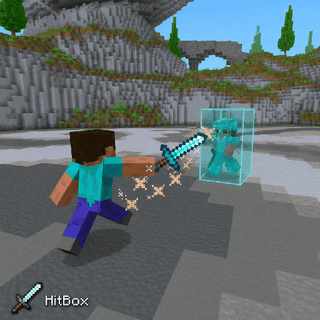
HitBox
Expands target hitboxes so your attacks connect more easily.
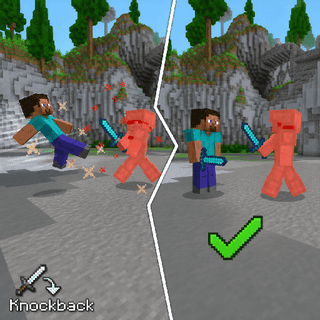
Knockback
Reduces or cancels the knockback you take.
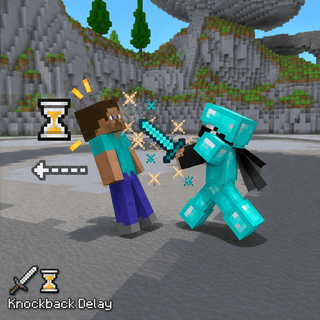
Knockback Delay
Delays the knockback you take from attacks.