SpawnerProtect
Pause AFK automation and salvage nearby spawners when someone approaches.
Included with Lunar Premium on mobile and every PC plan.


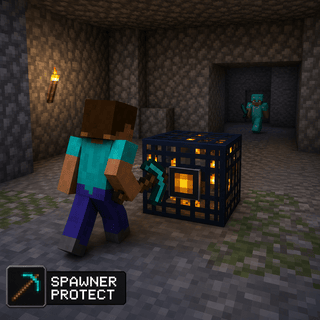
What does SpawnerProtect do?
SpawnerProtect is a world module in Lunar Proxy for Minecraft Bedrock Edition. Pause AFK automation and salvage nearby spawners when someone approaches. Because Lunar runs as a proxy, SpawnerProtect works on PC, Android, and iOS, and on Xbox, PlayStation, and Switch when the console connects through it. You turn it on from the in-game ClickGUI or with a chat command, and its settings are saved in your configs.
How do I turn on SpawnerProtect?
- 01 Install Lunar on your phone or PC. Free on Google Play and the App Store; PC needs a subscription.
- 02 Connect to a server, Realm, or friend’s world from inside Lunar. Consoles then join through the Friends tab, the LAN list, or direct connect.
- 03 Open the in-game ClickGUI and switch on SpawnerProtect, or type the SpawnerProtect command in chat. Adjust its settings right in the panel.
What can you change in SpawnerProtect?
SpawnerProtect has 7 settings. Each one is adjustable in the ClickGUI, and the defaults below are what a fresh install uses.
| Setting | Type | Default | Range or options |
|---|---|---|---|
Radius | number | 32 | 8 to 64 |
Include Friends | toggle | Off | On or off |
Disconnect On Approach | toggle | Off | On or off |
Salvage Nearby Spawners | toggle | Off | On or off |
Store Spawners in Ender Chest | toggle | On | On or off |
Sneak While Breaking | toggle | Off | On or off |
Break Range | number | 3 | 1 to 3 in steps of 0.5 |
Which devices does SpawnerProtect work on?
Lunar is a proxy, so SpawnerProtect behaves the same on every device that connects through it.
- PC
- Android
- iOS
- Xbox
- PlayStation
- Switch
Related World modules
All World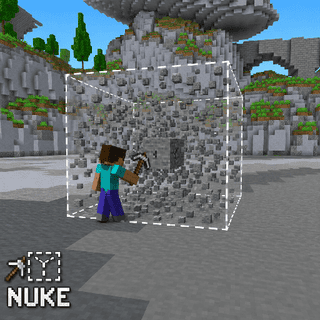
Nuke
Breaks large areas of blocks around you at once.
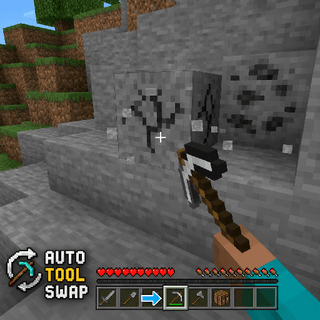
AutoToolSwap
Switches to the best tool for the block you're breaking.
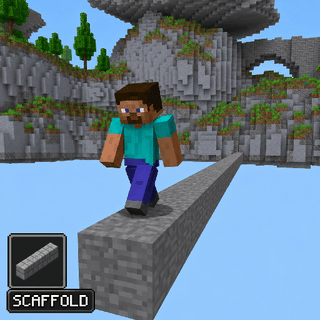
Scaffold
Places blocks beneath you as you walk.
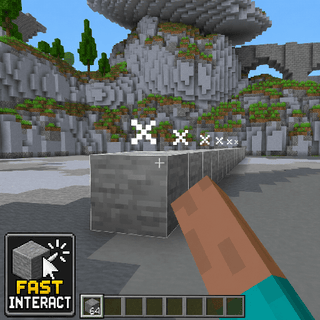
FastInteract
Lets you interact and place blocks faster.
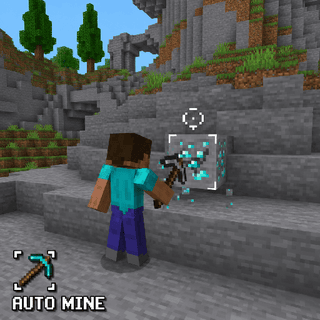
AutoMine
Mines selected blocks around you automatically.
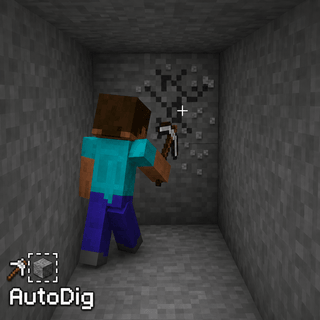
AutoDig
Breaks whatever block your crosshair rests on.