SurfaceMine
Mines and climbs to the surface, then stops.
Included with Lunar Premium on mobile and every PC plan.


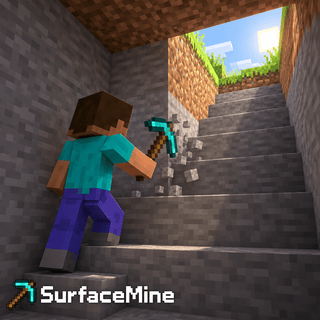
What does SurfaceMine do?
SurfaceMine is a world module in Lunar Proxy for Minecraft Bedrock Edition. Mines and climbs to the surface, then stops. Because Lunar runs as a proxy, SurfaceMine works on PC, Android, and iOS, and on Xbox, PlayStation, and Switch when the console connects through it. You turn it on from the in-game ClickGUI or with a chat command, and its settings are saved in your configs.
How do I turn on SurfaceMine?
- 01 Install Lunar on your phone or PC. Free on Google Play and the App Store; PC needs a subscription.
- 02 Connect to a server, Realm, or friend’s world from inside Lunar. Consoles then join through the Friends tab, the LAN list, or direct connect.
- 03 Open the in-game ClickGUI and switch on SurfaceMine, or type the SurfaceMine command in chat. Adjust its settings right in the panel.
Which devices does SurfaceMine work on?
Lunar is a proxy, so SurfaceMine behaves the same on every device that connects through it.
- PC
- Android
- iOS
- Xbox
- PlayStation
- Switch
Related World modules
All World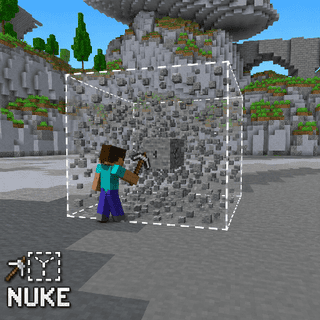
Nuke
Breaks large areas of blocks around you at once.
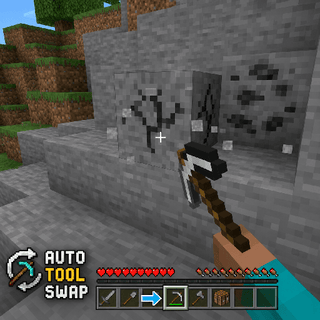
AutoToolSwap
Switches to the best tool for the block you're breaking.
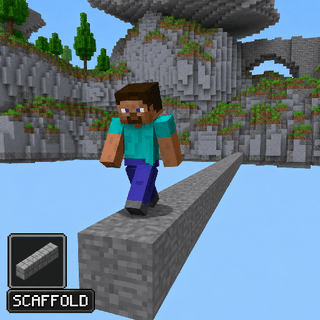
Scaffold
Places blocks beneath you as you walk.
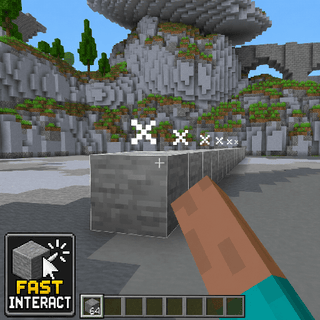
FastInteract
Lets you interact and place blocks faster.
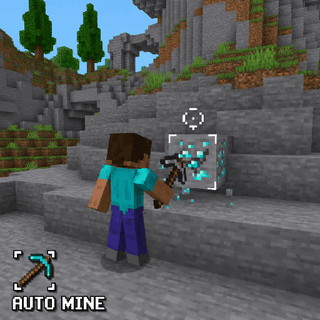
AutoMine
Mines selected blocks around you automatically.
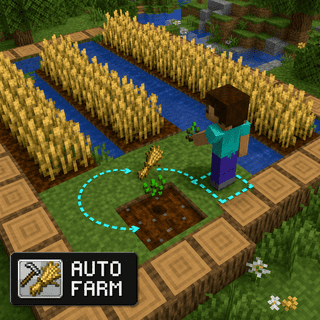
AutoFarm
Harvests fully grown crops, collects their drops, and replants them.