ItemCounter
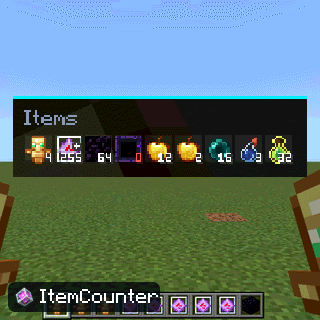
Shows how many totems, crystals, pearls and other chosen items you have.
Free on mobile. Included in every PC plan.


What does ItemCounter do?
ItemCounter is a visual module in Lunar Proxy for Minecraft Bedrock Edition. Shows how many totems, crystals, pearls and other chosen items you have. Because Lunar runs as a proxy, ItemCounter works on PC, Android, and iOS, and on Xbox, PlayStation, and Switch when the console connects through it. You turn it on from the in-game ClickGUI or with a chat command, and its settings are saved in your configs.
How do I turn on ItemCounter?
- 01 Install Lunar on your phone or PC. Free on Google Play and the App Store; PC needs a subscription.
- 02 Connect to a server, Realm, or friend’s world from inside Lunar. Consoles then join through the Friends tab, the LAN list, or direct connect.
- 03 Open the in-game ClickGUI and switch on ItemCounter, or type the ItemCounter command in chat. Adjust its settings right in the panel.
What can you change in ItemCounter?
ItemCounter has 3 settings. Each one is adjustable in the ClickGUI, and the defaults below are what a fresh install uses.
| Setting | Type | Default | Range or options |
|---|---|---|---|
Items Pick the items to count. | list | minecraft:totem_of_undying,minecraft:end_crystal,minecraft:obsidian,minecraft:respawn_anchor,minecraft:golden_apple,minecraft:enchanted_golden_apple,minecraft:ender_pearl,minecraft:splash_potion,minecraft:experience_bottle | Free text |
Hide items you have none of | toggle | Off | On or off |
HUD size (100 is normal) | number | 100 | 50 to 150 in steps of 10 |
Which devices does ItemCounter work on?
Lunar is a proxy, so ItemCounter behaves the same on every device that connects through it.
- PC
- Android
- iOS
- Xbox
- PlayStation
- Switch
Related Visual modules
All Visual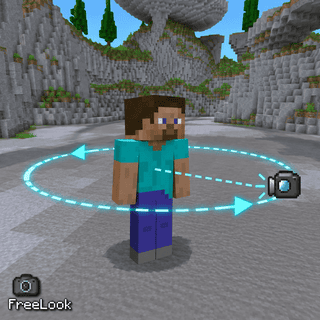
FreeLook
Look around freely without turning your character.
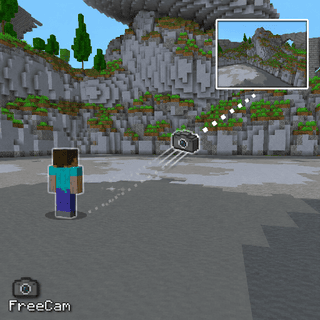
FreeCam
Detaches your camera so you can look around without moving.
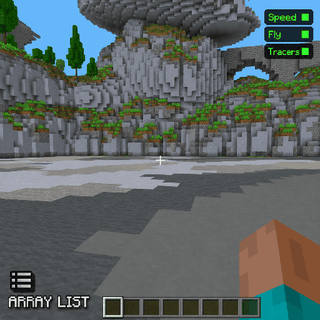
ArrayList
Shows your enabled modules on screen.
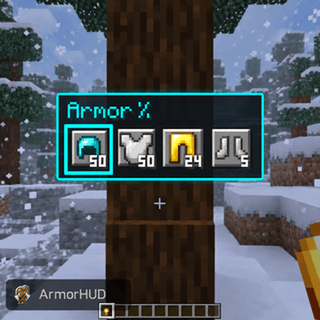
ArmorHUD
Shows your equipped armor and its durability on screen.
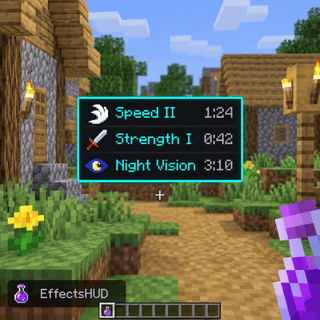
EffectsHUD
Shows your active effects, levels, and remaining time.
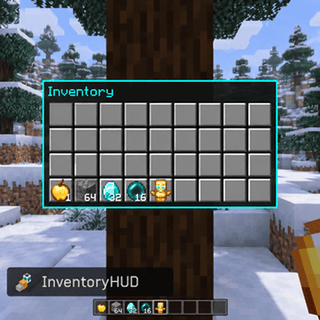
InventoryHUD
Shows your inventory and stack counts on screen.