SafeWalk
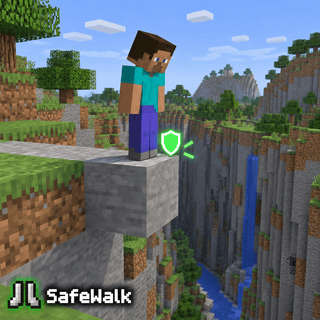
Stops you at block edges. Jump to cross gaps.
Free on mobile. Included in every PC plan.

What does SafeWalk do?
SafeWalk is a movement module in Lunar Proxy for Minecraft Bedrock Edition. Stops you at block edges. Jump to cross gaps. Because Lunar runs as a proxy, SafeWalk works on PC, Android, and iOS, and on Xbox, PlayStation, and Switch when the console connects through it. You turn it on from the in-game ClickGUI or with a chat command, and its settings are saved in your configs.
How do I turn on SafeWalk?
- 01 Install Lunar on your phone or PC. Free on Google Play and the App Store; PC needs a subscription.
- 02 Connect to a server, Realm, or friend’s world from inside Lunar. Consoles then join through the Friends tab, the LAN list, or direct connect.
- 03 Open the in-game ClickGUI and switch on SafeWalk, or type the SafeWalk command in chat. Adjust its settings right in the panel.
Which devices does SafeWalk work on?
Lunar is a proxy, so SafeWalk behaves the same on every device that connects through it.
- PC
- Android
- iOS
- Xbox
- PlayStation
- Switch
Related Movement modules
All Movement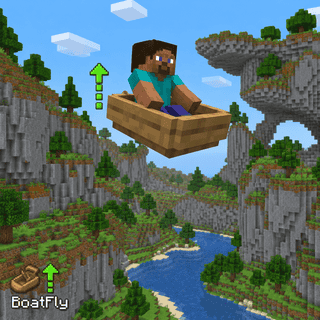
BoatFly
Fly while driving a boat. Look up or down while moving to climb or descend.
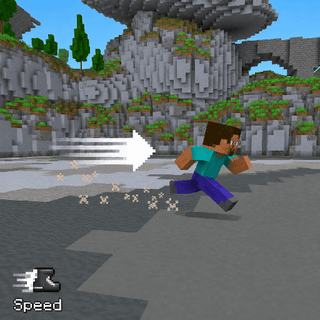
Speed
Makes you move faster than normal.
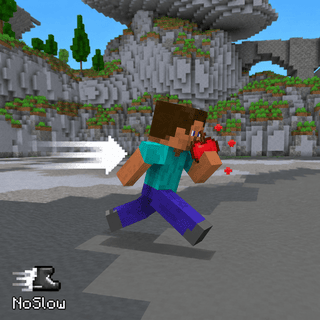
NoSlow
Reduce slowdown while sneaking, eating, drinking, drawing a bow, or crossing cobwebs.
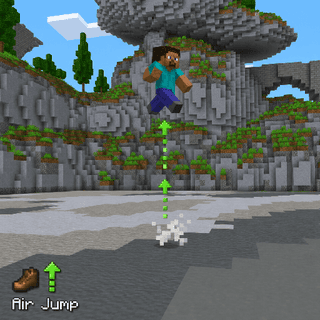
AirJump
Lets you jump again in mid-air.
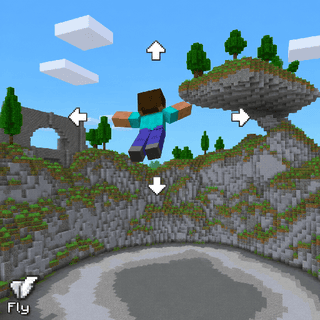
Fly
Lets you fly freely.
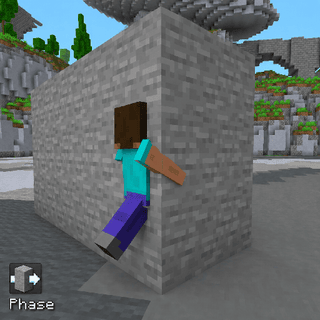
Phase
Lets you walk through walls and blocks.